HOW-TO GUIDE
How to Test a 4 Wire Fan Motor With a Multimeter
By the OhmSavvy Research Team ·

Before you start
- Keep fingers, probe leads and loose wires clear of the blades while a fan is powered. Even small fans can nick skin, and larger ones can pull a lead into the blades.
- This page covers low-voltage DC fans of the kind used in computers, chargers and electronics. Some mains AC fan motors also have four wires (speed taps or capacitor leads); they are tested differently and with the power isolated (see how to test a fan motor capacitor). Do not open a computer power supply to test its internal fan: its capacitors can hold a dangerous charge after unplugging.
- When probing a live header, never let a probe bridge two pins. Shorting +12 V onto the tach or PWM pin can damage the motherboard or fan controller.
The four wires and what they do
A 4 wire fan is a brushless DC motor with its own driver electronics in the hub. The driver switches current through the stator coils, senses the rotor position, reports the speed on one wire and accepts a speed command on another. On the common PC-style connector the pin order is ground, +12 V, tach and PWM, with pin 4 the extra pin that a 3 pin header leaves unused. Wire colors are a convention, not a rule: many fans use black, yellow, green and blue, but others differ, so confirm the pinout from the fan's label or datasheet before probing.
| Pin | Function | Common color | Typical reading (fan running) |
|---|---|---|---|
| 1 | Ground | Black | 0 V reference for every other measurement |
| 2 | +12 V supply | Yellow (or red) | About 12 V DC to ground |
| 3 | Tach / sense output | Green (or yellow) | Pulses; DC meter shows roughly half the pull-up voltage |
| 4 | PWM control input | Blue | Fast pulses, often around 25 kHz; DC meter shows an average |
Readings in the table are typical for PC-style fans; the fan's datasheet and the host board's documentation are the authority for any particular unit. Set the meter to DC volts and clip the black lead to pin 1 for every powered test that follows. If you are new to the meter itself, start with how to use a multimeter.
1Check the 12 V supply at the fan
Leave the fan plugged in and back-probe the connector: slide a thin probe tip into the back of the housing alongside the wire until it touches the metal terminal. Red on pin 2, black on pin 1. A computer supply's 12 V rail is specified to stay within about 5 percent, roughly 11.4 to 12.6 V, and a fan header normally passes that through when set to full speed or PWM mode.
No voltage means the problem is upstream of the fan: the header, a blown fuse or polyfuse, the power supply or a header set to a low voltage mode in the board's settings. To rule the board out, power the fan from a bench supply or a 12 V adapter, ideally one with a current limit, using only pins 1 and 2. A healthy fan should spin up at full speed. A 12 V supply check under load confirms the adapter itself is sound.
2Check the tach (sense) output while it spins
The tach output is usually an open-collector transistor in the fan that pulls the line to ground twice per revolution. The pull-up resistor that creates the high level is on the motherboard or controller, not in the fan, so a fan powered on the bench with nothing on pin 3 shows no signal. For a bench test, add a pull-up of a few kilohms from pin 3 to a 5 V supply that shares the fan's ground, or test with the fan on its normal header.
On DC volts a spinning fan's tach pin reads a steady average, often about half the pull-up voltage because the pulses are roughly half high and half low; the exact figure varies by fan. Stop the blades gently with a non-conductive object and the reading should jump to either near 0 V or the full pull-up voltage, depending on where the rotor stops. A reading that never changes points to a broken sense wire or a failed tach circuit.
Convert tach frequency to rpm
If your meter has a frequency (Hz) function, put it on the tach pin instead of DC volts and you get the speed almost directly. With the usual two pulses per revolution, rpm = frequency × 60 ÷ 2, or simply frequency × 30. Not every meter has a Hz range, and those that do have their own minimum signal level and frequency limits, so check your manual. Some fans use a different number of pulses; the datasheet says.
| Measured tach frequency | Calculation (2 pulses/rev) | Fan speed |
|---|---|---|
| 20 Hz | 20 × 60 ÷ 2 | 600 rpm |
| 40 Hz | 40 × 60 ÷ 2 | 1,200 rpm |
| 50 Hz | 50 × 60 ÷ 2 | 1,500 rpm |
| 66.7 Hz | 66.7 × 60 ÷ 2 | 2,000 rpm |
| 100 Hz | 100 × 60 ÷ 2 | 3,000 rpm |
A frequency well below the rated speed at full power, or one that wanders, suggests a worn bearing dragging the rotor. If you have an oscilloscope, the tach waveform also shows missing or uneven pulses that a meter averages away; see how to measure frequency with an oscilloscope.
3Check the PWM control line
The fourth wire carries a fast square wave, commonly around 25 kHz for PC fans, whose duty cycle sets the speed: more on-time, faster fan. On most PC-style fans the high level comes from a pull-up inside the fan and is around 5 V or less, while the board's output pulls the line low. That is why a bare header pin, with the fan unplugged, may read close to 0 V even when it is working; measure with the fan connected, by back-probing pin 4.
A DC voltmeter cannot follow 25 kHz, so it shows the average: roughly the duty cycle times the high level. With a 5 V high level, 40 percent duty reads about 2 V and 100 percent reads about 5 V. Change the fan speed setting in the board's firmware or the controller and the reading should move with it. If it stays fixed while the fan speed changes, the board may be controlling the fan by supply voltage instead (watch pin 2 change), or the header may be set to DC mode.
Quick bench check
Some meters offer a duty-cycle function, which reads the percentage directly if the meter can handle the frequency; check its specified range. For the full picture of period, pulse width and duty, use an oscilloscope on the PWM line.
Why resistance tests are limited on a brushless fan
On a brushed motor or an AC motor you can measure the windings directly, as covered in how to check a motor winding for a short. A 4 wire DC fan is different: the coils connect only to the driver chip, so the meter across pins 1 and 2 sees the driver's input circuit, not a winding. The reading varies widely between fans and between meters, and may even show OL on the ohms range.
What a resistance check can still catch, with the fan unplugged, is a dead short: a reading near 0 Ω between pins 1 and 2 means the driver or a protection part has failed, and that fan will pull its header down or blow a fuse. Also spin the blades by hand. They should turn freely and coast; grinding, wobble or stiffness is a bearing fault no meter can measure.
Fault-finding table
| Symptom | What the meter shows | Likely cause |
|---|---|---|
| Fan does not spin | 0 V on pin 2 | Header, fuse, supply or header voltage setting |
| Fan does not spin | About 12 V on pin 2 | Seized bearing or failed driver inside the fan |
| Spins, board reads 0 rpm | Tach pin stuck at 0 V or at the full pull-up voltage | Broken sense wire, bad crimp or failed tach output |
| Always full speed | PWM pin steady near its high level | PWM pin not driven, header in DC mode, or open wire |
| Slow at full power | 12 V present, tach frequency low | Worn bearing, dust build-up or blocked airflow |
| Header shuts down when connected | Near 0 Ω between pins 1 and 2 (unplugged) | Shorted driver or protection component |
Which meter to use for fan testing
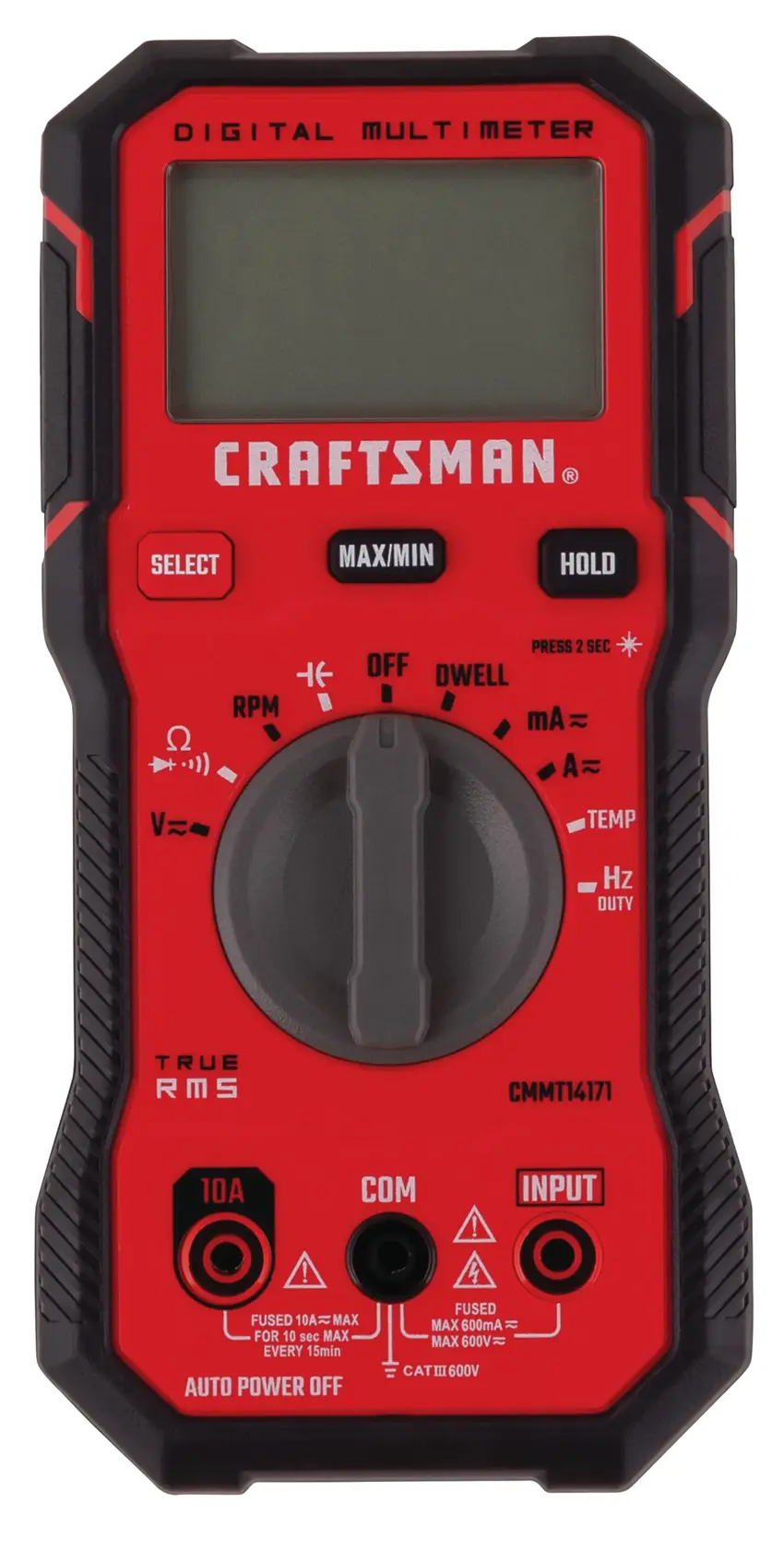
Any meter with DC volts handles the supply, tach and PWM averages. A frequency function makes the tach test quicker and a duty-cycle function helps on the PWM line, so check the manual for both before you rely on them. The Fluke 115 lists frequency measurement and the Craftsman CMMT14171 lists duty-cycle measurement in our review data. More options are in our best multimeters roundup.
Meters in our reviews
True RMS, auto-ranging, CAT III 600V. The same Fluke reliability as the 117, with capacitance and frequency measurement.
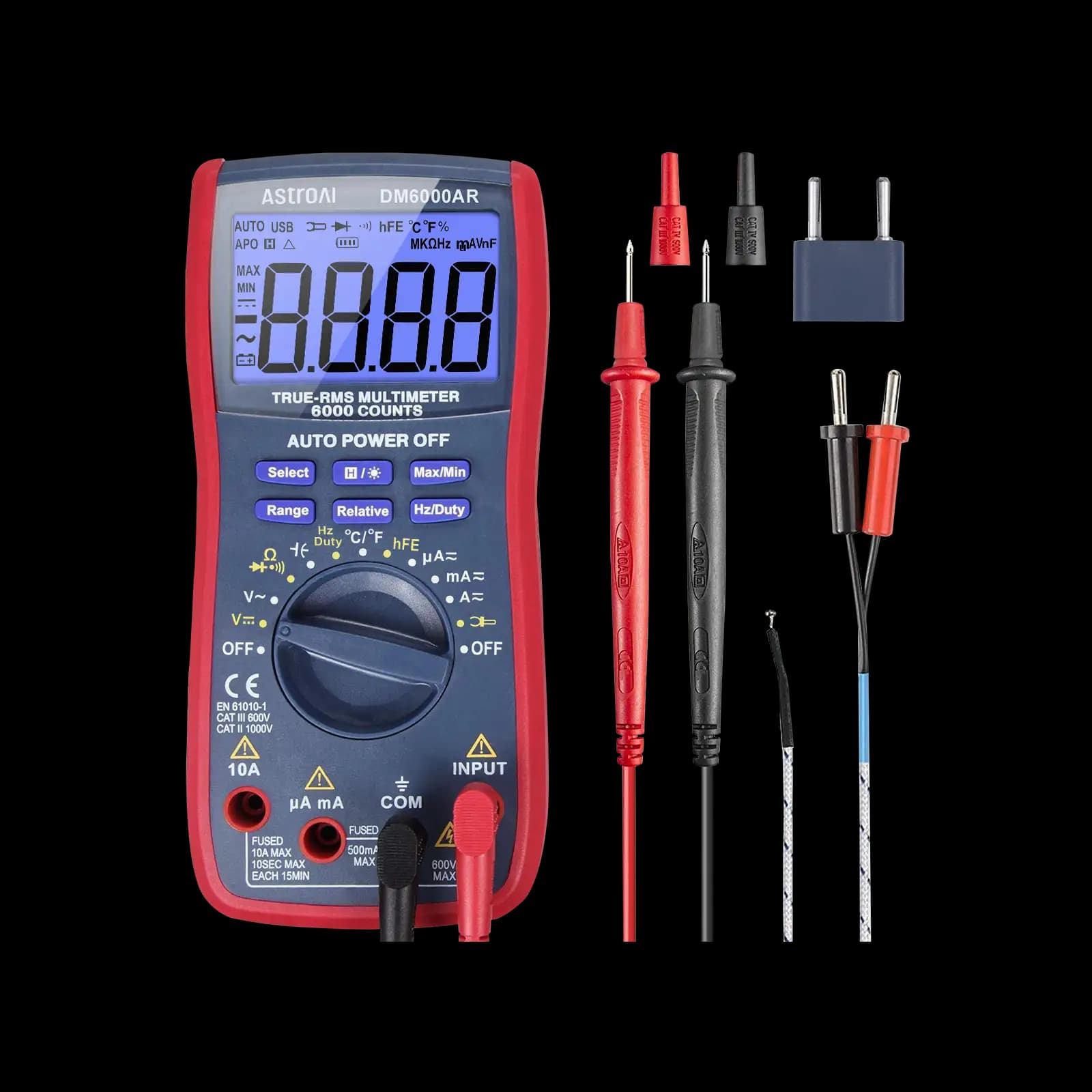
True RMS, 6,000-count, auto-ranging. Our pick for microcontroller and electronics projects.
True RMS, auto-ranging, CAT III 600V. Built specifically for diagnosing cars, not just household wiring.
As an Amazon Associate I earn from qualifying purchases. Prices and availability are shown on Amazon.
Frequently asked questions
Can I run a 4 wire fan without the PWM wire connected?
Usually yes. Most 4 wire PC-style fans are designed to run at full speed when the PWM input is left unconnected, because the fan pulls that line high internally. That makes an unconnected PWM wire a useful bench test, but check the fan datasheet, because a few designs behave differently and some stop instead.
Can a 4 wire fan plug into a 3 pin header?
The standard 4 pin connector is keyed so it fits a 3 pin header, leaving the PWM pin unused. The fan then runs at full speed unless the header lowers its supply voltage to slow it down. Speed control still works on many boards in that voltage mode, though the usable range is narrower than with PWM.
Why does my motherboard report 0 rpm while the fan is spinning?
The board is not seeing tach pulses. Check the sense wire for a break or a poor crimp in the connector, confirm the fan is plugged into the header the software is reading, and measure the tach pin while the fan runs. A steady 0 V or a steady pull-up voltage with no pulsing points to the fan or the wire.
How many pulses per revolution does a PC fan tach give?
Two pulses per revolution is the common convention for PC-style fans, and it is the figure motherboards normally assume when they display rpm. Some industrial and special-purpose fans use a different count, so check the datasheet before converting a measured frequency into a speed.
Can I run two 4 wire fans from one header with a splitter?
Yes, within the header's current rating, which the motherboard manual lists and which is often around 1 A. Add up the rated current printed on both fan labels. A splitter feeds power and PWM to both fans but passes the tach signal from only one, so the board reports a single speed. Check the second fan by measuring its own tach pin or watching it spin.


