HOW-TO GUIDE
How to Measure Resistance in Ohms With a Digital Multimeter
By the OhmSavvy Research Team ·
Resistance is a dead-circuit test
- Switch off and disconnect power, and remove batteries from the device you are testing.
- Discharge any large capacitors before probing. Stored charge can upset the reading and, in mains equipment, give a dangerous shock.
- Many meters protect the Ω range against an accidental voltage, but that protection has limits. Do not rely on it.
What an ohm is, and how the meter finds it
Resistance is how strongly something opposes the flow of current, measured in ohms (Ω). One ohm allows one amp to flow when one volt is applied, which is Ohm's law: R = V ÷ I. A digital multimeter uses that relationship directly. On the Ω range it drives a small, known current through whatever sits between the probes, measures the voltage that appears, and divides one by the other. That is why the circuit must be unpowered: any other voltage present gets folded into the sum.
Ω, kΩ and MΩ: reading the units
The most common resistance mistake is misreading the prefix. An auto-ranging meter moves the decimal point and changes the unit as the value changes, so always read the small unit symbol beside the number.
| Display shows | Unit | Equals | Typical example |
|---|---|---|---|
| 0.8 | Ω (ohms) | 0.8 Ω | Shorted probes, a fuse, a speaker coil |
| 470.0 | Ω (ohms) | 470 Ω | LED current-limiting resistor |
| 4.70 | kΩ (kilohms) | 4,700 Ω | Pull-up resistor |
| 100.0 | kΩ (kilohms) | 100,000 Ω | Bias resistor, potentiometer |
| 1.00 | MΩ (megohms) | 1,000,000 Ω | High-value resistor, scope input |
1Set up the meter
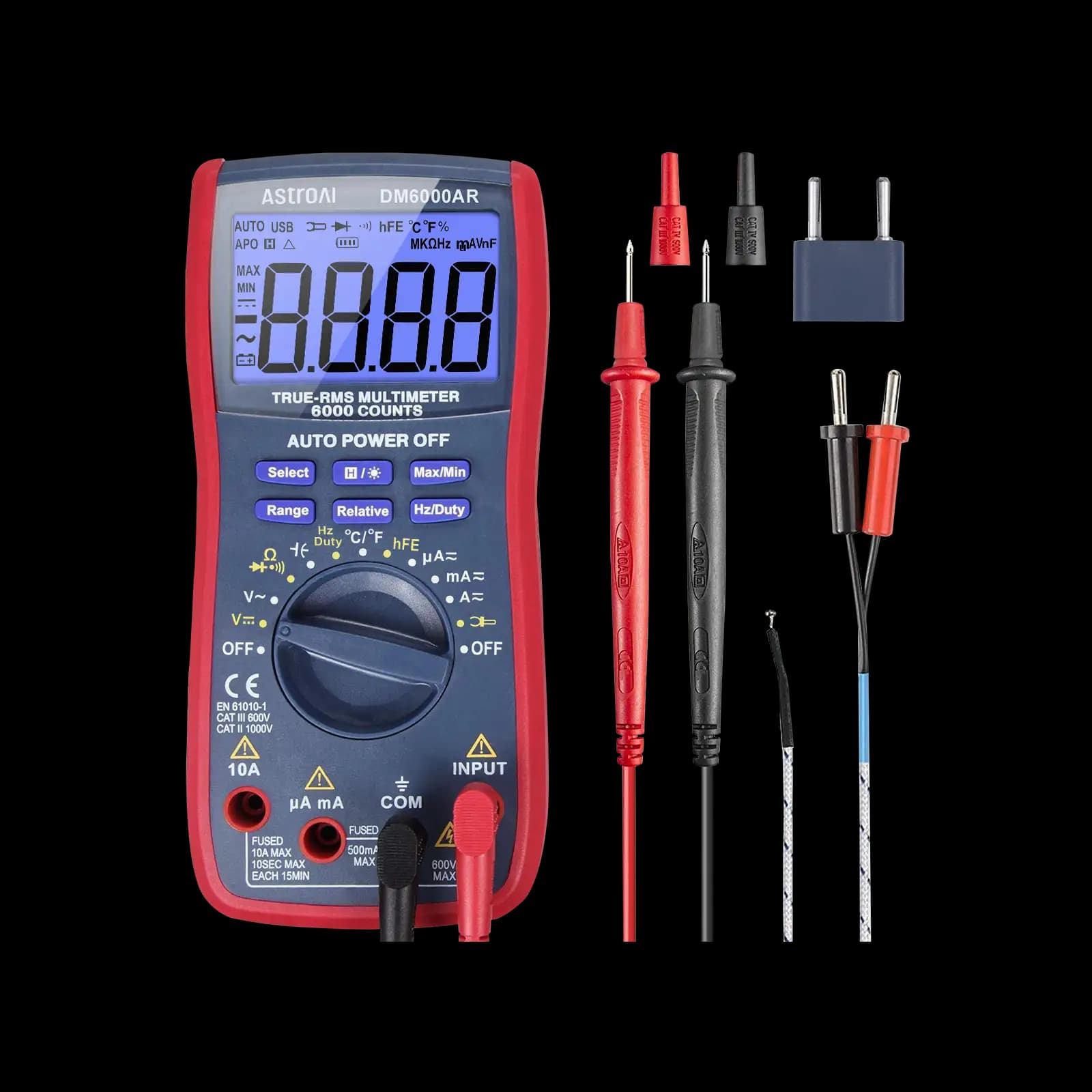
Put the black lead in COM and the red lead in the socket marked V/Ω (often shared with volts). Turn the dial to the Ω symbol. On some meters Ω shares a dial position with continuity, diode and capacitance, and a SELECT or FUNC button steps between them; make sure the display shows Ω and not the diode or beep symbol.
COM
Black lead. The common or negative input for every measurement.
V/Ω
Red lead for resistance. Never the A or mA socket.
Ω on the dial
May share a position with continuity, diode or capacitance.
RANGE
Forces manual ranging on auto meters; press again to step range.
REL / Δ
Relative mode: zeroes the display, used to null lead resistance.
HOLD
Freezes the reading so you can look away from awkward test points.
2Null the lead resistance
Touch the probe tips firmly together. The display should show a small number, often a few tenths of an ohm: that is the resistance of the leads, probe tips and sockets. It does not matter when you measure 10 kΩ, but it is a large error on a 1 Ω part. Press REL (or Δ) while the tips are shorted to subtract it automatically, or simply note it and take it away from later readings.
3Take the reading
Touch one probe to each lead or terminal of the component and wait for the display to settle. Press firmly enough to break through oxide on old leads. Keep your fingers off the metal: on values above about 100 kΩ, your own skin resistance in parallel will drag the reading down.
Choosing a range on a manual meter
On a manual-ranging meter, the number printed by each Ω position is the highest value it can show. Pick the lowest range that is still above the value you expect. The table shows what a 4.7 kΩ resistor typically looks like on each range of a common 2,000-count meter.
| Range selected | Display | Verdict |
|---|---|---|
| 200 Ω | 1 (over range) | Too low |
| 2 kΩ | 1 (over range) | Too low |
| 20 kΩ | 4.69 | Best: most digits of detail |
| 200 kΩ | 4.7 | Readable, less resolution |
| 2 MΩ | 0.005 | Far too high: almost all detail lost |
If the value is unknown, start at the highest range and step down until the reading is no longer near zero, stopping just before it shows over range.
Check against the resistor color code
| Color | Digit | Multiplier | Tolerance |
|---|---|---|---|
| Black | 0 | ×1 | — |
| Brown | 1 | ×10 | ±1% |
| Red | 2 | ×100 | ±2% |
| Orange | 3 | ×1k | — |
| Yellow | 4 | ×10k | — |
| Green | 5 | ×100k | ±0.5% |
| Blue | 6 | ×1M | ±0.25% |
| Violet | 7 | ×10M | ±0.1% |
| Gray | 8 | — | — |
| White | 9 | — | — |
| Gold | — | ×0.1 | ±5% |
| Silver | — | ×0.01 | ±10% |
Brown and red bands confuse everyone
Is the reading within tolerance?
Tolerance is how far a resistor may legitimately be from its marked value. A 4.7 kΩ ±5% part is in spec anywhere from 4.465 kΩ to 4.935 kΩ, so 4.69 kΩ is a pass. Your meter adds its own small error on top, usually stated as ±(% of reading + counts) in its manual.
Why in-circuit readings mislead
On a board, the meter cannot tell your resistor from everything else wired between the same two points. Any parallel path lowers the reading, so an in-circuit measurement is usually lower than the marked value. Semiconductor junctions can also conduct the meter's test current and skew the result. For a definitive answer, lift one leg of the part and measure it on its own. Our guide to measuring resistance in a parallel circuit shows how to calculate what the meter should see.
01
Power off
Unplug, discharge
02
Leads in
COM and V/Ω
03
Null
Short tips, press REL
04
Probe
Fingers off the metal
05
Check
Unit, then tolerance
Very low resistances, below about 1 Ω, are hard for an ordinary two-wire meter because contact and lead resistance are a similar size to the value itself. Null the leads and press hard; for precise milliohm work, a dedicated low-resistance meter is the proper tool.
Which multimeter to use for resistance
Every digital multimeter measures resistance. A relative (REL) button and a display with more counts help with low values and fine comparisons. For the basics of every other range, start with how to use a multimeter, and see multimeter accuracy for electronics repair for how to read accuracy specs.
Meters from our reviews
True RMS, 6,000-count, auto and manual ranging. Popular for electronics projects.
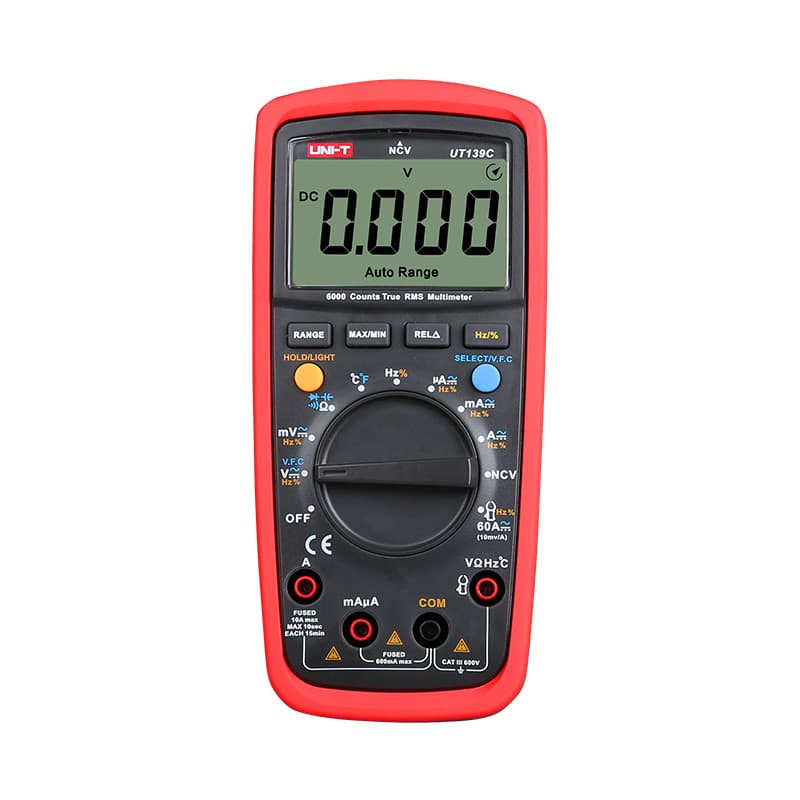
True RMS, 6,000-count, auto and manual ranging at a budget price.

6,000-count display with a 19,999-count high-resolution mode, useful for fine resistance comparisons.
As an Amazon Associate I earn from qualifying purchases. Prices and availability are shown on Amazon.
Frequently asked questions
Why does my multimeter show OL on the ohms setting?
OL means the resistance is higher than the selected range can display. With the probes apart it is normal, because air is an open circuit. On a component it means either the range is too low (step up on a manual meter) or the part is open circuit, such as a broken resistor, a blown fuse or a burnt-out element.
Does it matter which way round the probes go when measuring resistance?
Not for a plain resistor, which reads the same in both directions. It does matter for anything containing a diode or transistor junction, where the reading changes with polarity. If a component gives two very different readings when you swap the probes, it is not a simple resistance.
Why do I get a slightly different reading each time?
Small variations come from probe pressure, dirty contacts and the meter's last digit. Body resistance also matters on high values: holding both probe tips and the resistor leads with your fingers puts your skin in parallel, which noticeably lowers readings in the hundreds of kilohms and above. Hold the probes by their grips only.
Can I measure resistance with the circuit switched on?
No. The meter measures resistance by passing its own small test current and reading the voltage it produces. Any external voltage corrupts that and can damage the meter. Switch off, unplug, remove batteries and discharge capacitors before using the Ω range.
What does a reading like 0.000 MΩ mean?
You are on a range far too high for the part, so a small value rounds to zero. Auto-ranging meters avoid this, but on a manual meter step down until the reading shows several significant digits without going OL.


