HOW-TO GUIDE
How to Measure Current Consumption of an Arduino With a Multimeter
By the OhmSavvy Research Team ·
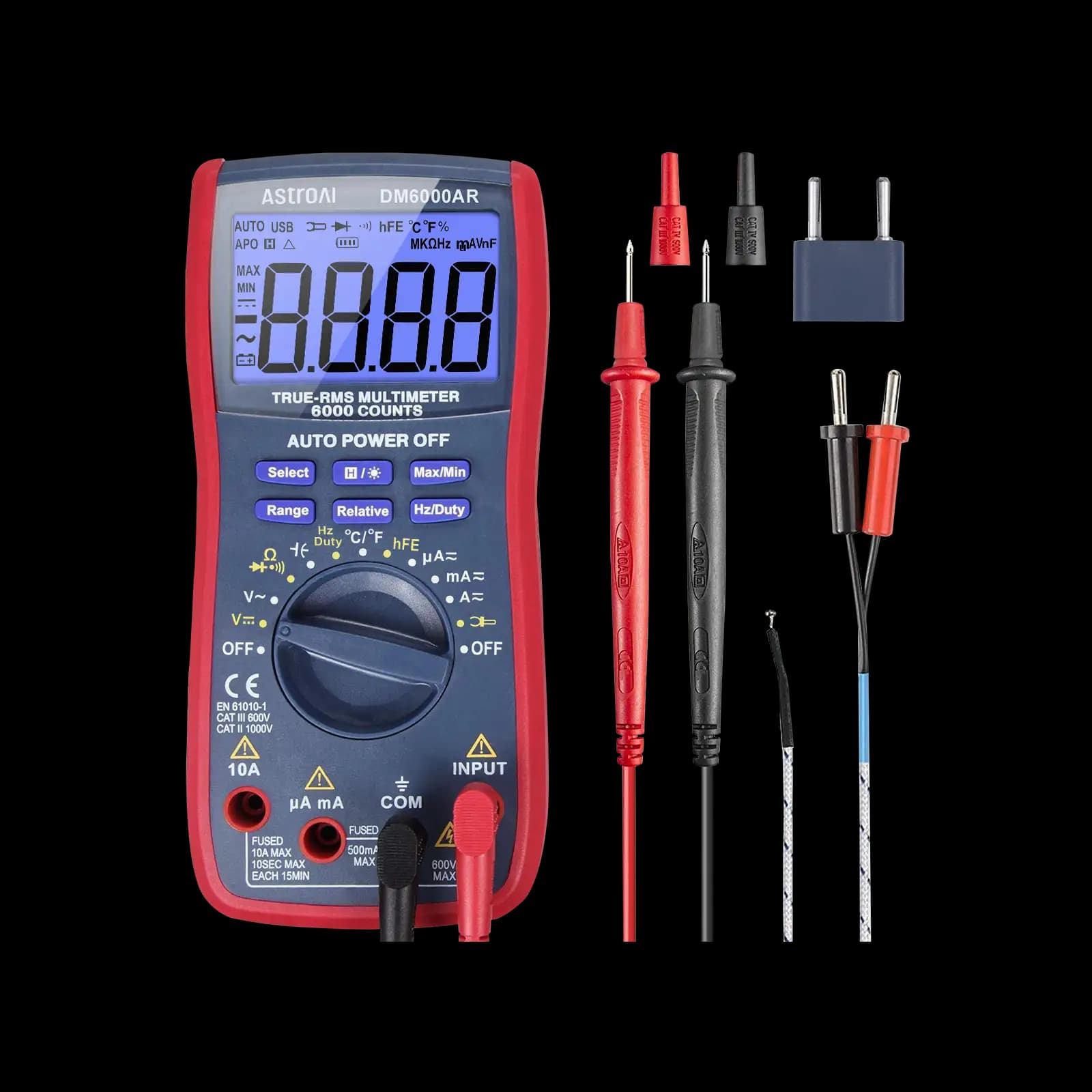
Before you start
- In a current range the meter is close to a short circuit. Never touch the probes across a battery or the board's supply pins; it will blow the meter's fuse and can overheat a lithium cell.
- Make and change every connection with the power off, and use clip leads rather than hand-held probes so nothing slips between pins.
- Feeding the 5V pin directly bypasses the board's regulator and its protection. Use only a regulated 5 V supply there, and never connect USB and an external 5 V supply at the same time.
1Decide where to break the circuit
Current is measured in series, so the meter must replace a piece of the wire that feeds the board. Where you break it decides what you measure. Pick a point that carries all of the current you care about and nothing else, and remove every other power path, including the USB cable.
| Break point | What it measures | Notes |
|---|---|---|
| Battery positive into VIN or the barrel jack | Whole board including its regulator | Closest to real battery operation |
| Regulated 5 V supply into the 5V pin | Board without the onboard regulator | Regulated 5 V only; never with USB connected |
| Battery lead of a 3.3 V or LiPo board | Whole board from its battery connector | Typical for small low-power boards |
| Supply lead to one module or sensor | That module only | Useful for finding the hungry part |
| USB cable | Not with a multimeter | Use a USB inline meter instead |
2Connect the meter in series
With everything off, plug the black lead into COM and the red lead into the meter's mA jack (some meters label it µA/mA). Clip the red lead to the battery positive and the black lead to the wire that goes to VIN. The negative lead goes straight from the battery to the board's GND as normal. Turn the meter to DC mA, then switch on. The jacks, fuses and series hookup are covered in more depth in how to measure milliamps with a multimeter.
3Choose the mA or µA range
A running board with no sleep code usually draws milliamps, so start on the mA range. If the project drives motors, servos, relays or a strip of LEDs from the same supply, start on the A range instead and move down only once you know the peak is safely below the mA range's maximum, which your manual lists. Only switch to a µA range, if your meter has one, after the board is asleep and drawing well under a milliamp.
Lower ranges have higher burden voltage, the small drop across the meter's internal shunt. At start-up the board can draw enough current for that drop to reset it, which is why sleep measurements often need a bypass jumper. The full explanation and the jumper trick are in our guides to measuring standby current and measuring microamps.
What the board itself draws
A development board is built for convenience, not battery life. Even with an empty sketch, several parts use power whether your code needs them or not. How much each one takes depends on the board and its revision, so the table describes where current goes rather than giving fixed numbers; check the schematic for your board and the datasheet for each part.
| Part on the board | Why it draws current | What you can do |
|---|---|---|
| Power LED | Lit whenever the board has power, typically a few mA | Remove it or its resistor on battery builds |
| Linear voltage regulator | Its own quiescent current, plus the voltage it burns as heat | Choose a low-quiescent regulator or feed the board directly |
| USB-to-serial chip | Powered on many boards even with no USB cable | Use a board without one for battery projects |
| Microcontroller (awake) | Runs continuously at full clock speed | Use sleep modes between tasks |
| Your modules and sensors | Often powered all the time | Switch them off, or power them from a pin when allowed |
A reading like this mostly reflects the board, not the microcontroller. That is why small boards with no USB chip and a removable power LED are popular for battery projects: the chip can sleep at a tiny fraction of a milliamp, according to its datasheet, but only if the rest of the board lets it.
The supply voltage changes the picture less than you might expect. A linear regulator passes roughly the same current in as the board takes out, and turns the extra voltage into heat. A board fed 9 V through VIN therefore draws about the same milliamps as it would from 7 V, but wastes more power doing it. That is why the battery-life estimate below works in milliamps and milliamp-hours: what matters is the current leaving the battery, at whatever voltage the battery supplies.
4Measure the board in sleep mode
To measure sleep current, upload a sketch that puts the microcontroller to sleep, for example using the power-down mode available on AVR-based boards through the avr/sleep.h library, or a low-power library for your board. Disconnect USB, start the board through the mA range, and wait until the reading drops and stays down. Then move to the µA range if needed, using the bypass jumper so the board does not reset.
Read the floor, not the jumps
If sleep current is far higher than the microcontroller datasheet suggests, the board's regulator, LED, USB chip or a powered module is the usual reason. Remove or disconnect them one at a time and watch the reading fall.
USB inline meters as an alternative
For a quick figure while the board is plugged into a computer, a USB inline power meter plugs between the USB port and the cable and displays voltage and current without breaking anything. It is the easy way to see how much a running board takes from USB. Most read in steps of a milliamp or more and update slowly, so they are not suited to sleep currents measured in microamps; check the resolution on yours. They also measure the USB 5 V path, which bypasses the regulator a battery-powered build would use, so the figure can differ from battery operation.
Estimate battery life from your reading
Battery life in hours is the battery capacity in milliamp-hours divided by the average current in milliamps. The rows below use a 2,000 mAh battery and illustrative currents; substitute your own measured values.
| Board state (illustrative) | Average current | Calculation | Estimated life |
|---|---|---|---|
| Full-size board, running | 45 mA | 2,000 ÷ 45 | ≈ 44 h |
| Small board, running | 15 mA | 2,000 ÷ 15 | ≈ 133 h ≈ 5.6 days |
| Small board, sleeping, LED on | 2 mA | 2,000 ÷ 2 | 1,000 h ≈ 42 days |
| Small board, sleeping, LED removed | 0.1 mA (100 µA) | 2,000 ÷ 0.1 | 20,000 h ≈ 2.3 years |
Bars use a logarithmic scale: each step is ten times the last.
Treat the result as an upper limit. Usable capacity falls in the cold and at high currents, the board may stop working before the battery is fully drained, and wake-ups raise the average above the sleep floor. Batteries also lose charge on their own over long periods; the battery datasheet gives the conditions behind its rated capacity.
Common mistakes that skew the reading
- A second power path. A USB cable, a USB-serial adapter or a programmer left connected can feed the board through its own pins, so the meter sees only part of the current, or none.
- A reading of zero. Usually a blown mA fuse in the meter, the red lead still in the V/Ω jack, or the dial on volts. Check the fuse before blaming the board; our guide to measuring milliamps shows how.
- Too coarse a range. On the A range a 45 mA board may show as 0.04 or 0.05 A, and a sleeping board as 0.00. Move down a range once you know the peak is safe.
- Forgetting the peripherals. A display backlight, a radio module or a sensor heater can draw more than the board. Note what was connected with each reading.
- Reading once. Current changes with what the sketch is doing. Note the figure in each state, such as idle, sensing, transmitting and sleeping, and how long the board spends in each.
Which meter to use for Arduino current
For Arduino work, the deciding features are the current ranges: a mA range for running boards, ideally a µA range for sleep, and fuses on both. Check the manual's current specifications rather than the headline features. The meters below are from our best multimeters roundup. If you also want to see current pulses on a screen, our oscilloscope picks for Arduino projects cover that side.
Meters in our reviews
True RMS, 6,000-count, auto-ranging. The go-to recommendation for Arduino and Raspberry Pi tinkering.
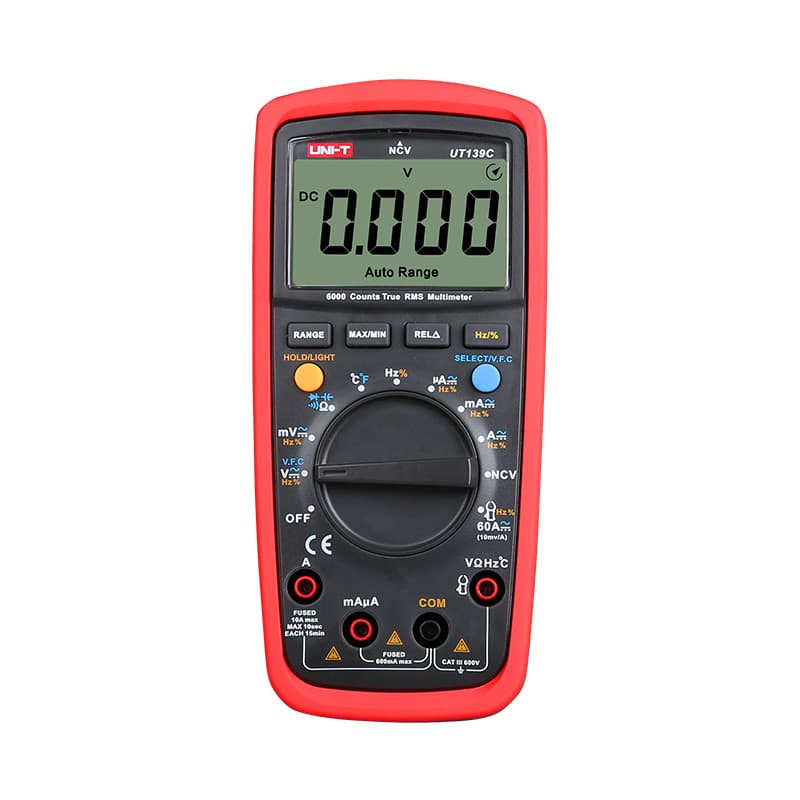
True RMS and auto-ranging with a 6,000-count display and a CAT III 600V rating, at a budget price.

True RMS and auto-ranging, CAT II 600V. Best for home use and beginners: the sensible first meter.
As an Amazon Associate I earn from qualifying purchases. Prices and availability are shown on Amazon.
Frequently asked questions
How much current does an Arduino Uno draw?
Typically tens of milliamps with a simple sketch running, but the figure depends on the board revision, the supply voltage, whether it is powered through VIN or USB, and what the sketch does. LEDs, sensors and modules add their own current on top. The only reliable number for your project is the one you measure with everything connected.
Can I measure Arduino current through the USB cable?
Not by cutting into the cable with a multimeter, because breaking the data lines stops the board from talking to the computer. Use a USB inline power meter between the port and the cable, or a breakout that brings out only the 5 V power line. For the most accurate low-current readings, power the board from a battery or bench supply instead.
Why does my Arduino reset when I connect the multimeter in series?
The meter's internal shunt drops a small voltage, the burden voltage, which grows with current and is larger on low ranges. When the board starts up and draws a burst of current, that drop can pull its supply low enough to reset it. Use the mA range for start-up, or bypass the meter with a jumper until the board settles.
Do servos and motors count in an Arduino current measurement?
Only if they are powered through the same lead the meter is in. Servos and motors draw large, brief current peaks that can blow a meter's mA fuse and reset the board. Measure them separately on the meter's A range, and power them from their own supply rather than the Arduino's 5 V pin where possible.
Can I use a USB power meter instead of a multimeter?
For a quick look, yes. An inline USB power meter shows voltage and current on the cable, but its reading includes the USB-serial chip, regulator and power LED, and many units resolve only whole milliamps, which hides sleep currents entirely. A multimeter in series with the supply rail on the right range is still needed for microamp sleep figures and battery-powered designs.



