HOW-TO GUIDE
How to Test a Push Button Switch With a Multimeter
By the OhmSavvy Research Team ·

Isolate the switch first
- Continuity and resistance ranges need an unpowered circuit. Remove the battery or unplug the device before probing.
- Industrial panel buttons, doorbell transformers and appliance switches may carry mains voltage. Lock out the supply and confirm it is dead with a voltage check before touching the terminals.
NO vs NC push button switches
The contact type decides what a good reading looks like. Panel buttons often have the terminals marked NO and NC, or carry contact blocks labeled 3-4 for NO and 1-2 for NC in common industrial conventions. Check the markings or datasheet for your part.
| Contact type | Released | Pressed | Typical uses |
|---|---|---|---|
| Normally open (NO) | OL, no beep | ≈ 0 Ω, beep | Start buttons, keyboards, doorbells, tactile switches |
| Normally closed (NC) | ≈ 0 Ω, beep | OL, no beep | Stop buttons, emergency stops, safety interlocks |
| Changeover (NO + NC) | C to NC closed | C to NO closed | Microswitches, multi-contact panel buttons |
Momentary vs latching buttons
Momentary
Contacts change only while you hold the button. Test by measuring while pressed, then released.
Latching
Push on, push off. The contacts stay changed after release, so test after each full press-and-release.
Illuminated
Extra terminals feed an LED or lamp. Test those separately; they are not part of the switch.
1How to find the pin pairs on a 4-pin tactile switch
The common 6 mm and 12 mm tactile switches have four legs but only one switch. Two legs on one side are joined inside the body, the other two are joined on the other side, and pressing the button bridges the sides. Which pairs are joined varies by make and orientation, so measure rather than guess.
With the button released, check all six possible pin combinations on continuity. Two of them beep constantly: those are the joined pairs. The other four only beep while the button is down.
| Pins probed | Released | Pressed | What it tells you |
|---|---|---|---|
| 1–2 | Beep | Beep | Internally joined pair |
| 3–4 | Beep | Beep | Internally joined pair |
| 1–3, 1–4, 2–3, 2–4 | OL | Beep | Across the switch: use any of these |
2Test continuity pressed and released
Put the black lead in COM, the red in the Ω jack, and select continuity. Touch the probes together to confirm the beep, then hold them on two terminals across the switch. Press and release the button ten or more times, listening for a clean beep on every press and silence on every release (or the reverse for NC). Missing beeps on some presses are an early sign of failing contacts.
A switch that never closes reads OL in both states. The explainer on what OL means on a multimeter covers why an open contact shows that way, and the multimeter basics guide explains how the continuity setting differs from the resistance ranges.
3Measure contact resistance
Continuity beepers often sound at anything below roughly 30 to 50 Ω, depending on the meter, so a beep alone cannot tell a clean contact from a corroded one. Switch to the lowest resistance range, short the probes and note the lead reading, then measure the pressed button. Subtract the leads.
Contact bounce and intermittent contacts
Every mechanical contact bounces: the metal parts touch, separate and touch again several times before settling. On a microcontroller input that can register one press as many. This is normal behavior that firmware or an RC filter handles, not a faulty switch.
Hunting an intermittent button
Testing panel and illuminated push buttons
Industrial 22 mm buttons are built from an actuator plus clip-on contact blocks, each with its own NO or NC pair. Test each block separately, and check that it is clipped on fully; a loose block will not be operated by the plunger. On illuminated buttons, the lamp terminals are separate. A built-in LED can be checked in diode mode, as described in how to test a diode with a multimeter.
Reading the result
| What you measure | Diagnosis |
|---|---|
| Clean OL / near 0 Ω change on every press | Good switch |
| OL whether pressed or not | Contact not closing, broken terminal, or wrong pin pair |
| Near 0 Ω whether pressed or not | Joined pin pair, welded contact or a short in circuit |
| Several ohms or a wandering value when pressed | Dirty, oxidised or worn contacts |
| Works only when pressed hard or at an angle | Worn dome or actuator; replace the switch |
Small tactile switches are cheap and rarely worth cleaning; replace a failing one with a part of the same footprint and actuation force. Panel buttons can usually be fixed by swapping only the contact block.
Meters for button and contact tests
Testing a button is mostly continuity and low resistance, so a quick beeper and a stable ohms reading matter more than a high safety rating here.
Meters for push button checks
Smart auto-ranging and a backlit screen make press-and-release checks quick on a cluttered bench.
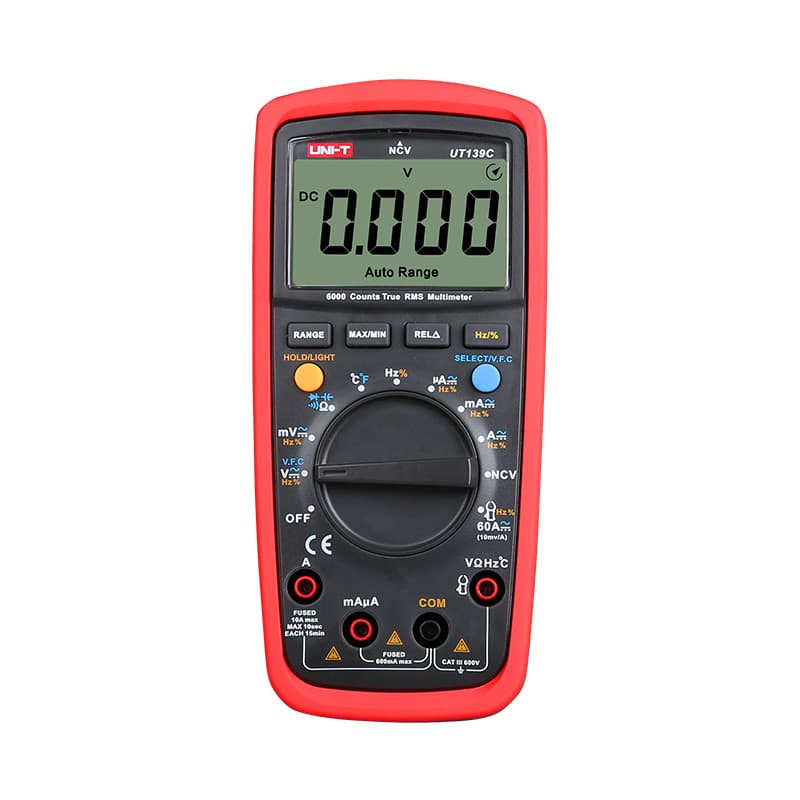
True RMS with a 6,000-count display and both auto and manual ranging, so a dirty contact's few ohms stand out.
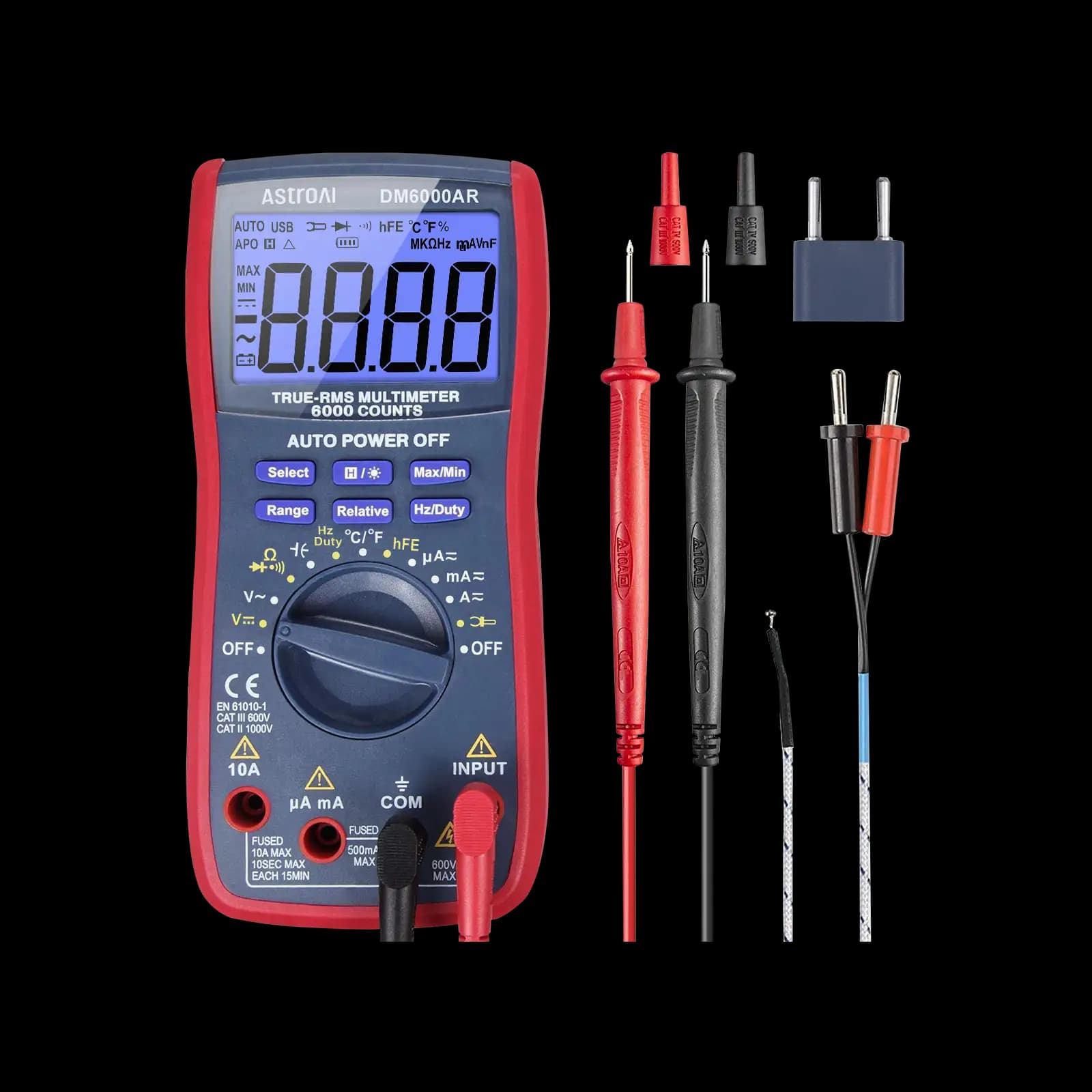
A popular hobbyist meter for Arduino projects, where tactile switches are the most common button you will test.
As an Amazon Associate I earn from qualifying purchases. Prices and availability are shown on Amazon.
Frequently asked questions
Why does my 4-pin tactile switch beep even when not pressed?
You are probably probing two pins that are joined inside the switch. A 4-pin tactile switch has two pairs of permanently connected pins, and the button bridges one pair to the other. Move one probe to the diagonally opposite pin and test again; diagonal pins are always on opposite sides of the switch contact.
What resistance should a push button have when pressed?
Close to zero. Small tactile switch datasheets commonly specify contact resistance of 100 mΩ or less when new, which most handheld meters cannot separate from the probe leads. In practice, a pressed reading within a fraction of an ohm of your shorted leads is a pass. Several ohms, or a value that changes each press, points to worn contacts.
Can I test a push button without desoldering it?
Often, yes, as long as the circuit is unpowered. Other parts connected across the switch may show a resistance when it is released, so look for a clear change between released and pressed rather than an exact OL. If the reading barely changes, lift one leg or unplug the button's connector and test it on its own.
How do I test a latching push button?
Press it once, release it, and measure: the contacts should stay in their new state. Press and release again and they should return to the original state. Do this several times. A latching switch that only conducts while held down has a broken latch mechanism, while one that stays in either state permanently has a jammed or welded contact.
Can a multimeter detect contact bounce?
Not reliably. Bounce typically lasts a few milliseconds, far shorter than a multimeter's update rate, so the display simply shows the settled value. To see bounce, connect the switch to a pulled-up input and view it on an oscilloscope. A multimeter is still the right tool for finding contacts that fail to close or read high resistance.



