HOW-TO GUIDE
How to Check a Voltage Divider Circuit With a Multimeter
By the OhmSavvy Research Team ·
Dividers on mains-powered boards
- Power supplies and appliance controllers use dividers to sense the mains: 230 V (UK) or 120 V (North America). Those resistors sit at mains potential. Don't probe the primary side of a live board unless you are trained, use an isolation transformer, and use a meter with a suitable CAT rating.
- Big capacitors on the same board can stay charged after unplugging. Discharge them before switching to resistance mode.
How a voltage divider works
Two resistors in series across a supply share the voltage in proportion to their values. The junction between them is the output, and the fraction you get depends only on the ratio R2 / (R1 + R2), not on the absolute values. Dividers scale a battery voltage down to an ADC range, set reference and feedback levels in regulators, and bias transistor stages.
Measuring the drop across one resistor to work out current is a related but separate job, covered in how to measure voltage across a resistor. Here the question is different: is the ratio right, and is anything disturbing it?
1Calculate the expected Vout
Read R1 (from the input to the output node) and R2 (from the output node to ground) from the schematic, the markings or the color bands. Then apply the formula. A common 0–25 V voltage-sense module, for example, uses 30 kΩ over 7.5 kΩ, which divides by exactly five.
Vout = Vin × R2 / (R1 + R2)
2Measure Vin and Vout with the circuit powered
Set the meter to DC volts. Put the black probe on the divider's ground, not on some other ground point a long way off, and read Vin at the top of R1. Then move only the red probe to the output node. Use the measured Vin, not the nominal supply, in the formula: a 12 V battery at 12.6 V will give a proportionally higher output.
Meter loading on high-value voltage dividers
A digital multimeter on DC volts has an input resistance of typically about 10 MΩ. When you probe the output, that resistance joins the circuit in parallel with R2 and lowers the output. With kilohm resistors the effect is negligible; with megohm resistors it is not.
Worked example: two 1 MΩ resistors on 10 V
A quick rule: the error is roughly the divider's source resistance (R1 and R2 in parallel) divided by the meter's input resistance. For megohm dividers, correct the reading with the formula rather than condemning a resistor.
3Check each resistor out of circuit
If the ratio is wrong, power off, discharge any capacitors, and measure each resistor on the ohms range. In circuit, R1 and R2 appear in parallel with each other through the supply and with anything on the output node, so readings come out low. Lift one leg of each resistor and measure it alone. A reading of OL means it is open; a value well outside its tolerance band means it has drifted.
A loaded output and what an ADC input does
Anything connected to the output behaves like the meter: it adds resistance in parallel with R2. Recalculate with R2 replaced by R2 in parallel with the load. If the output reads correctly with the load unplugged but low with it connected, the divider is too weak for that load.
A microcontroller ADC pin draws very little steady current, but it charges a small sampling capacitor at each conversion. A high-resistance divider cannot recharge it quickly, so readings come out low or noisy. Many microcontroller datasheets recommend a source impedance of around 10 kΩ or less; a small capacitor from the output to ground (often 10 to 100 nF) helps with slowly changing signals. Your meter averages over a much longer time, so it may read correctly while the firmware does not.
Common voltage divider faults
| Measured Vout | Likely cause |
|---|---|
| Close to calculated value | Divider is good; look downstream |
| 0 V, Vin present | R1 open, R2 shorted, or the output node shorted to ground |
| Equal to Vin | R2 open, R1 shorted, or the ground end of R2 disconnected |
| Steadily a few % to tens of % off | A drifted resistor; heat-stressed and high-value parts drift most |
| Low only when the load is connected | Load too heavy for the divider values |
| Low on a megohm divider, correct after calculation | Meter loading, not a fault |
| Wanders or changes when touched | Contamination or moisture across high-value resistors, or a cracked joint |
Potentiometers and trimmers are adjustable dividers and fail in the same ways, plus wiper wear; see how to check a potentiometer wiper. If DC voltage measurement is new to you, start with how to use a multimeter.
Budget meters in our reviews
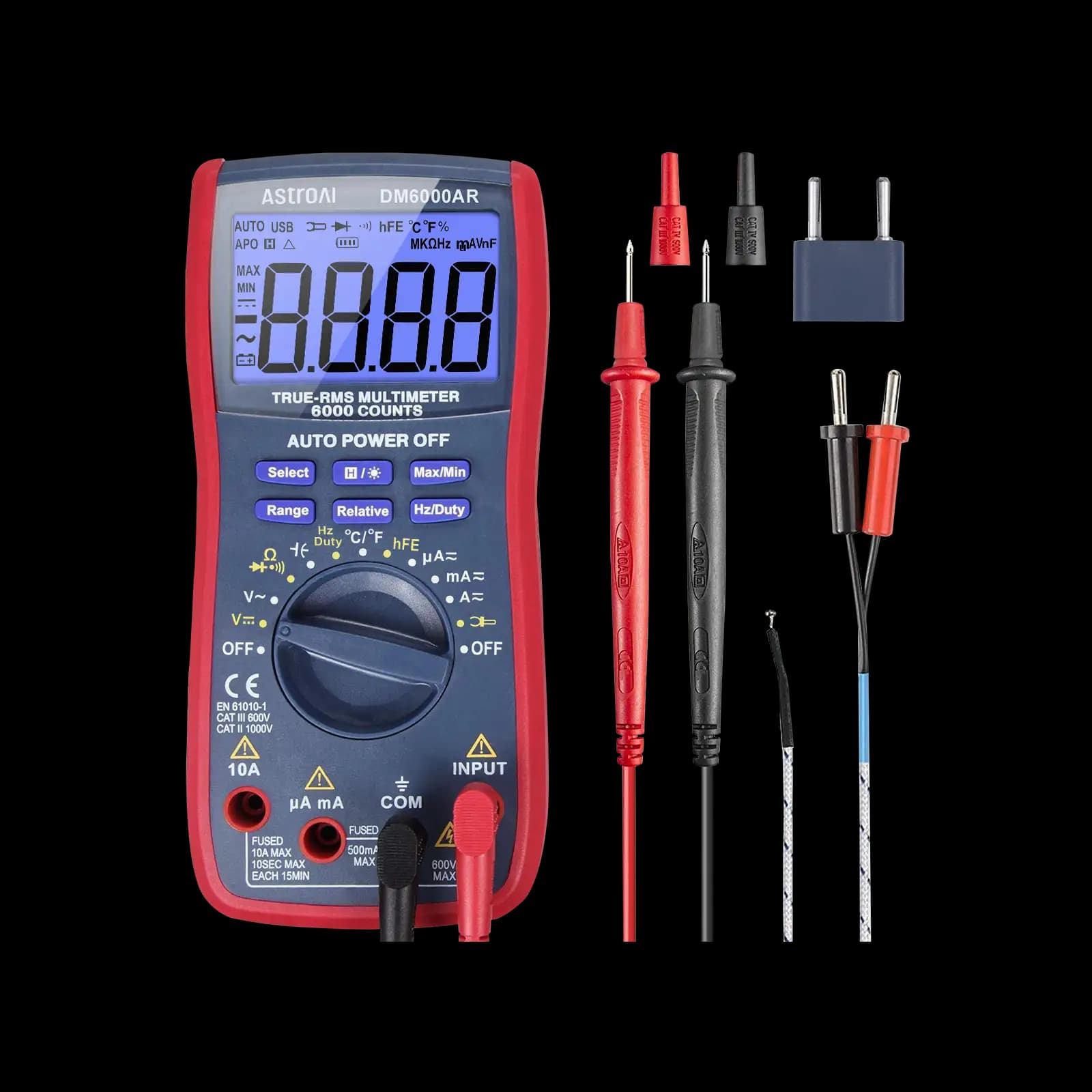
True RMS, 6,000-count, auto-ranging. Aimed at microcontroller and electronics projects.
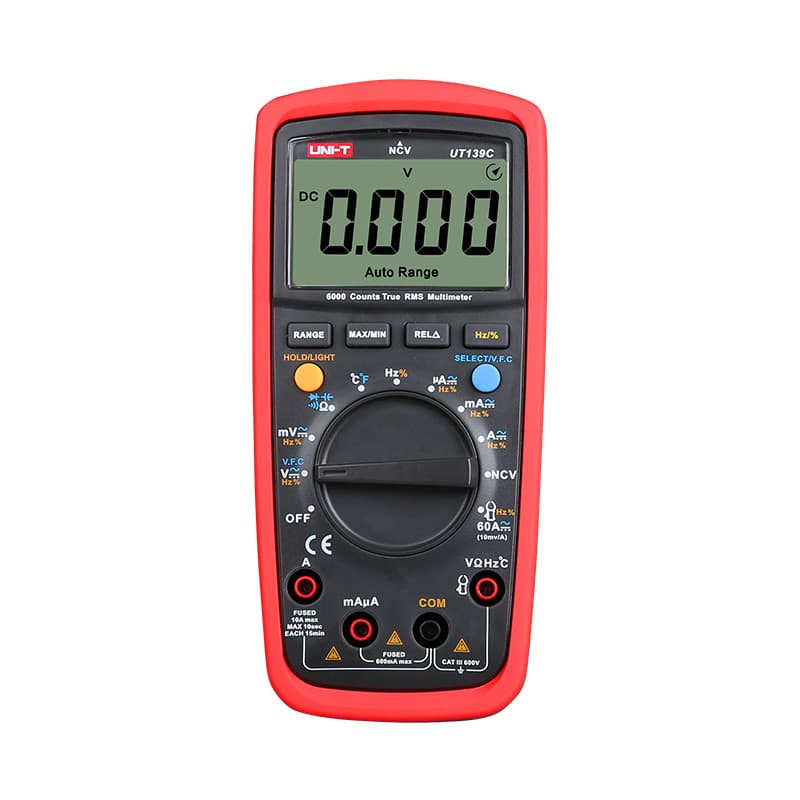
True RMS, 6,000-count and CAT III 600V, with both auto and manual ranging.
As an Amazon Associate I earn from qualifying purchases. Prices and availability are shown on Amazon.
Frequently asked questions
Why does my voltage divider read lower than calculated?
The usual causes are a load on the output, R2 having drifted low, R1 having drifted high, or meter loading. Meter loading only matters when the resistors are hundreds of kilohms or more. Disconnect whatever the output feeds and measure again; if the reading is now correct, the load was the cause and the divider needs lower values or a buffer.
Can I measure the resistors in a divider without removing them?
You can, but the result is often misleading. In circuit, each resistor is in parallel with the other one plus whatever else connects to the node and the supply, so readings come out low. Power off first. For a reliable value, lift one leg of each resistor and measure it on its own against its color code or marking.
What input impedance does a multimeter have on DC volts?
Most digital multimeters present about 10 MΩ on their DC voltage ranges; the exact figure is in the manual's specifications. Some meters offer a higher impedance on millivolt ranges, while low-impedance (LoZ) modes are deliberately low, a few kilohms. Use the standard DC volts mode for divider work, never LoZ, which would load the output heavily.
How do I check a voltage divider that feeds an Arduino or ESP32 analog pin?
Measure Vin, then the divider output at the pin with the board running. Compare it with the calculated value and with the reading the firmware reports, converted using the ADC reference voltage. Check that the output never exceeds the pin's maximum input voltage at the highest expected Vin, and keep the divider resistance modest so the ADC samples accurately.
Is a potentiometer a voltage divider?
Yes. With its two ends across a voltage and the wiper as the output, a potentiometer is an adjustable divider: the track above the wiper acts as R1 and the track below as R2. The same Vout formula applies, and measuring the wiper voltage while turning the shaft should give a smooth change from 0 V to Vin.



