HOW-TO GUIDE
How to Test a Crystal Resonator With a Multimeter
By the OhmSavvy Research Team ·
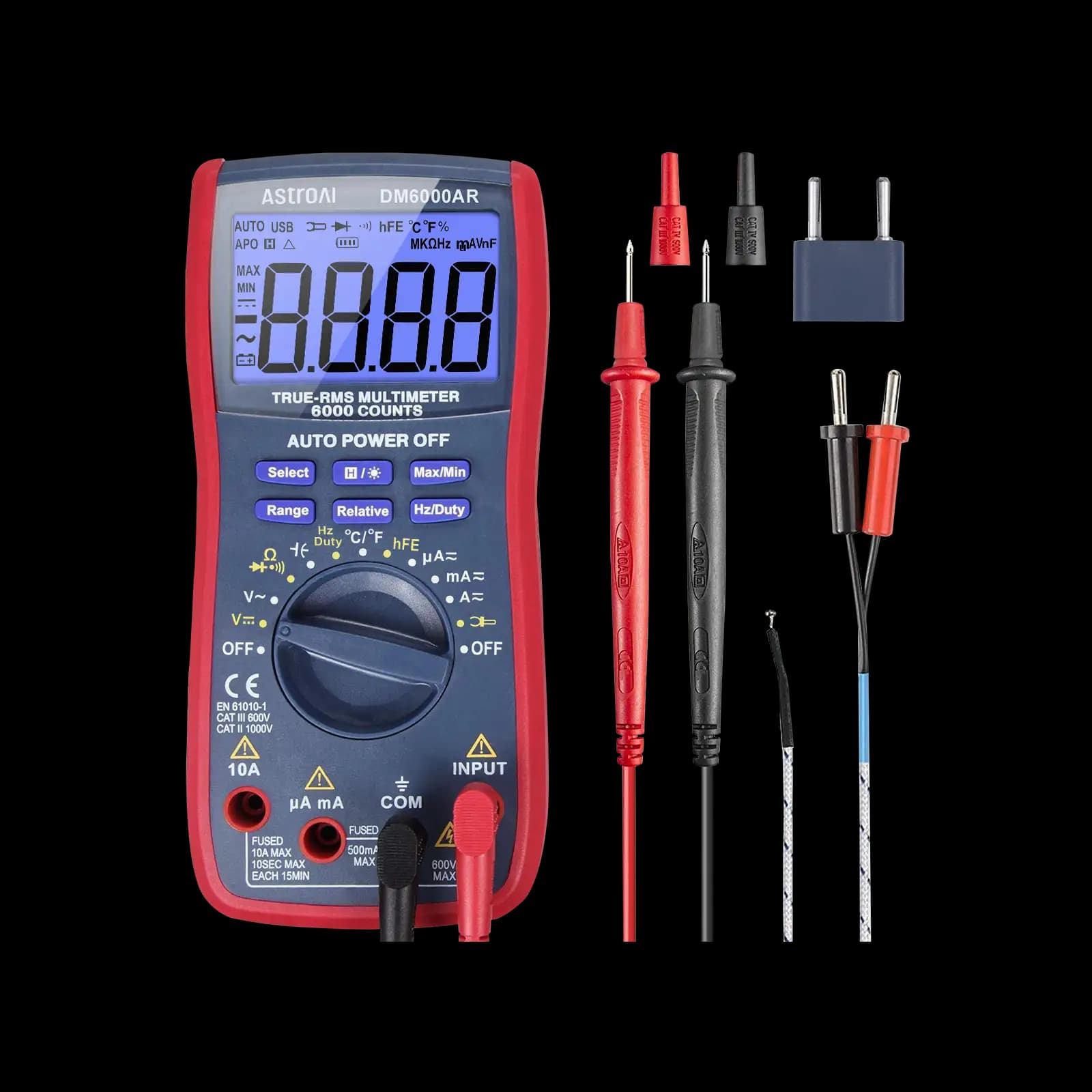
Before you start
- Do resistance checks with the board unpowered. Powered checks are for the oscillator pin voltages only, on low-voltage boards; if the crystal sits on a mains-powered board, leave it to someone qualified to work on live equipment.
- Oscillator pins are small and close together. A probe that slips can short a pin to its neighbor, so use fine tips or clips and keep the meter steady.
What a multimeter can and can't tell you about a crystal
A quartz crystal is a thin slice of quartz with a metal electrode on each face. Electrically, at DC it is an insulator: there is no conducting path between the two pins. It only does something useful at its resonant frequency, typically somewhere from tens of kilohertz to tens of megahertz, when an oscillator circuit drives it. A multimeter's resistance, diode and continuity modes all work with DC, so they only ever see the insulator.
That makes the meter good at one thing: finding a crystal that has been physically damaged into a short or a leak, for example by a cracked blank, a crushed package, contamination or a solder bridge on a small SMD part. It cannot find the more common faults of a crystal that is open inside, has drifted off frequency, or will not start in its circuit, because all of those still read open on a meter.
| Question | Multimeter | Scope or frequency counter |
|---|---|---|
| Is the crystal shorted or leaky? | Yes, resistance check | Indirectly |
| Are the built-in caps of a 3-pin resonator present? | Sometimes, if the meter reads small pF | No |
| Is the oscillator chip biasing its pins? | Yes, DC volts (with care) | Yes |
| Is it actually oscillating? | No | Yes |
| At the right frequency? | No (in almost all cases) | Yes |
The honest summary
1Identify the part and its pins
First work out which kind of resonator you have, because the expected readings differ. The marking usually gives the frequency, such as 8.000 or 16.000 for megahertz parts, or 32.768K for a watch crystal. The package and pin count tell you the rest.
| Part | Pins | Healthy resistance | Notes |
|---|---|---|---|
| Quartz crystal (HC-49 can, SMD) | 2 (some SMD have 4) | Open between the crystal pins | Extra SMD pins are often ground or not connected; check the datasheet |
| Watch crystal (32.768 kHz) | 2 | Open | Tiny cylinder; fragile leads; very low drive level |
| 2-pin ceramic resonator | 2 | Open | Needs external load caps, like a crystal |
| 3-pin ceramic resonator | 3 | Open between every pair of pins | Outer pins are the resonator; middle pin is the ground for built-in caps |
| Crystal oscillator module | 4 (power, ground, output, enable) | Not a resistance test | A powered module; check supply and output instead |
A four-pin metal can with one sharp corner and a dot is usually a complete oscillator module rather than a bare crystal. It has its own supply pin and drives a square-wave clock out, so it is checked powered, not with the resistance test below.
2Check resistance out of circuit
Measuring a crystal in place usually reads the chip's internal bias resistor, often in the megohm range, in parallel with it, so the check is only meaningful with the part removed or one leg lifted. Power down the board first. Then:
- Set the meter to resistance and select the highest range, or leave an auto-ranging meter in auto.
- Touch the probes together to confirm the meter reads close to zero.
- Hold the crystal by its body, not the leads. Your fingers across both leads add a resistance of their own, often in the megohm range, which the meter will happily show.
- Probe the two crystal pins, then reverse the probes and probe again.
- On a metal can, also check from each pin to the case, which should read open as well.
| Reading out of circuit | Likely meaning | Action |
|---|---|---|
| OL on every range, both directions | Not shorted or leaky | Passes this test only; confirm oscillation separately |
| Near 0 Ω | Shorted: cracked blank, internal debris or solder bridge | Replace |
| Steady kΩ to low MΩ | Leakage path: contamination or damage | Clean, dry and retest; replace if it stays |
| Drifting MΩ that changes as you hold it | Your fingers or flux residue | Hold the body, clean and retest |
The OL reading is the same symbol an open fuse or broken wire shows; here it is the result you want. Our page on what OL means on a multimeter explains the symbol, and how to measure resistance with a digital multimeter covers the basics of the mode.
3Test a 3-pin ceramic resonator
Ceramic resonators do the same job as a crystal with less precision, and the 3-pin type includes the two load capacitors inside the package. The usual pinout is resonator terminals on the two outer pins and the shared capacitor ground in the middle, but confirm it on the datasheet for your part.
Every pair of pins should read open in resistance mode, because capacitors block DC just as the resonator does. Measure outer to outer, then each outer pin to the middle pin. A short from an outer pin to the middle points at a cracked internal capacitor; a short from outer to outer points at the resonator element.
If your meter has a capacitance range, you can try outer pin to middle pin. The built-in capacitors are small, often in the tens of picofarads, so a reading in that region suggests the capacitor is present, and an identical reading on both sides is a good sign. Treat it as a rough check: many handheld meters cannot resolve a few picofarads accurately, and lead capacitance adds to the result, so hold the leads still and subtract the reading with the probes open. The ceramic capacitor guide explains the low-range limits in more detail. A two-pin quartz crystal also has a small capacitance between its electrodes, typically a few picofarads, but it is too small for most handheld meters to read meaningfully and says nothing about whether the crystal resonates.
4Check the oscillator pin voltages, with care
With the crystal in circuit and the board powered, a DC voltage check on the two oscillator pins, usually labeled XTAL_IN and XTAL_OUT or OSC1 and OSC2, tells you whether the chip is biasing its oscillator amplifier. Black probe on a ground near the chip, red probe on each pin in turn. Use clip leads or a steady hand: the pins are close together, and a slip can short the oscillator or a neighboring pin.
In many microcontroller oscillators, both pins sit at a DC level somewhere between ground and the supply, often roughly half the supply, because the amplifier is biased into its linear region. The exact level depends on the chip and its drive setting, so the best comparison is a known-good board of the same design. A pin stuck at 0 V or at the full supply suggests the oscillator is disabled, for example because the chip is held in reset, firmware has not selected the external crystal, or the chip's oscillator stage is damaged.
That pair of figures is the whole limitation in one picture. A mid-supply reading shows the chip is trying, not that the crystal is running. Hedge every in-circuit reading in two more ways:
- The meter loads the circuit. Test leads add capacitance, and the meter's input resistance, typically around 10 MΩ on DC volts, sits in parallel with a high-impedance node. Touching XTAL_IN in particular can stop a marginal oscillator or shift its bias, so a reading taken there may not reflect normal operation.
- Stopping it can be informative, but not conclusive. If a device misbehaves only while the probe is on a pin, the oscillator may have little gain margin. That is a clue to investigate with a scope, not a diagnosis.
When to use a scope or frequency counter
Once the crystal has passed the resistance check and the pins show sensible bias, the remaining questions are dynamic ones: does it start, does it keep running, and at what frequency? Only an instrument that sees the AC waveform can answer them.
01
Resistance
Out of circuit: OL between pins
02
Pin voltages
Powered: both pins biased
03
Scope
10x probe on XTAL_OUT: waveform present
04
Frequency
Scope measurement or counter matches marking
An oscilloscope with a 10x probe on XTAL_OUT, or on a buffered clock output if the chip has one, shows whether there is a waveform and lets the scope's frequency measurement confirm it. The probe still loads the circuit, so the method matters; our guide on using an oscilloscope to check a crystal oscillator covers the probing, the expected waveform and start-up problems, and how to measure frequency with an oscilloscope explains the reading.
A frequency counter gives more digits than most scopes, which matters when you need to know a crystal is within its parts-per-million tolerance rather than just running at roughly the right frequency. Even then, the counter's own timebase accuracy has to be better than the crystal you are checking. For a simple swap test, fitting a new crystal of the same frequency and load capacitance is often the quickest proof of all.
Which meter to use for crystal checks
Any working meter with a high resistance range handles the short and leakage check. For pin voltages on small boards, an auto-ranging meter with a clear display lets you keep your eyes on the probe tips. Check your manual for whether it has a capacitance range and how low it reads before relying on it for resonator capacitors. The meters below are from our best multimeters roundup.
Meters in our reviews
True RMS, 6,000-count, auto-ranging. Our pick for microcontroller and electronics projects.
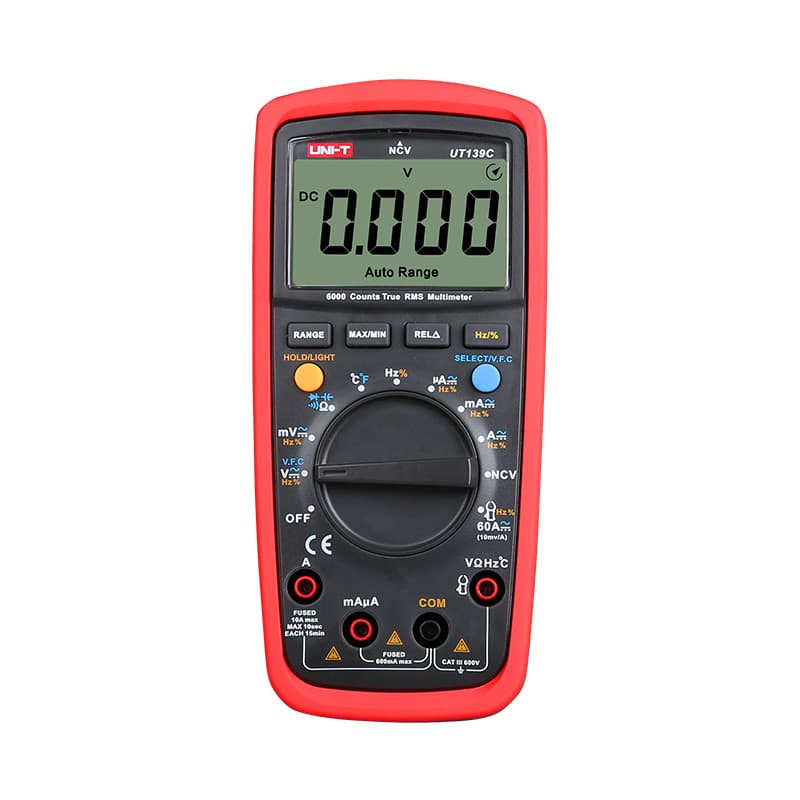
True RMS, 6,000-count and auto-ranging with a CAT III 600V rating, at a budget price.

True RMS, auto-ranging, CAT III 600V. Fluke reliability, with capacitance and frequency measurement.
As an Amazon Associate I earn from qualifying purchases. Prices and availability are shown on Amazon.
Frequently asked questions
Can a multimeter measure the frequency of a crystal?
Rarely in a useful way. A meter's frequency function is designed for signals with a reasonable amplitude and usually tops out well below many crystal frequencies, and the leads add capacitance that can stop or pull the oscillator. Some meters can read a buffered clock output on a low-frequency part, but check the frequency range and sensitivity in your manual first.
Do crystals have polarity?
No. A two-pin quartz crystal is a slice of quartz between two electrodes and can be fitted either way round. Three-pin ceramic resonators are different only because the middle pin is the ground for the built-in capacitors; the two outer pins are still interchangeable. Some crystal cans and SMD packages have extra pins that are ground or not connected, so check the datasheet.
Why does my crystal read a few megohms instead of OL?
On the highest range, finger contact, flux residue or a damp board can all show megohms. Hold the part by its body rather than the leads, clean it with isopropyl alcohol, let it dry and measure again. If it still reads a steady resistance out of circuit, the crystal is leaky and should be replaced, especially in a low-power oscillator.
Can I replace a crystal with a ceramic resonator?
Sometimes, if the frequency matches and the circuit tolerates the lower accuracy, since ceramic resonators are typically much less precise than quartz crystals. Timing for USB, serial baud rates or clocks may need the tighter crystal tolerance. A 3-pin resonator also replaces the two load capacitors, so the footprint differs. Check the chip maker's guidance before swapping.
Do quartz crystals wear out with age?
They age rather than wear out. A crystal's frequency drifts slowly over the years as its mounting relaxes and its surfaces change, and datasheets quote this as an aging figure in parts per million per year, usually largest in the first year. For most clocks that drift is negligible. Sudden failures more often come from mechanical shock, overheating during soldering or an oscillator that overdrives the crystal.


