HOW-TO GUIDE
Do You Really Need an Oscilloscope for Electronics Repair?
By the OhmSavvy Research Team ·
What a multimeter already finds
Most repairs start and end with static checks, and a meter does all of them. Is the fuse open? Is the supply rail present and at the right voltage? Is a capacitor, diode or MOSFET shorted? Is a trace or cable broken? Has a resistor drifted out of tolerance? These questions each have a single steady answer, which is exactly what a multimeter is built to give. Faults like these, a failed component that has gone short or open, account for a large share of everyday repairs, from appliances and chargers to toys and power tools.
Faults only a scope can show
The repairs that stall without a scope are the ones where every meter reading looks fine. A multimeter averages what it sees over a fraction of a second, so anything that changes faster than that, or only happens occasionally, disappears into one tidy number.
| Fault | What the meter shows | What the scope shows |
|---|---|---|
| Dried-out filter capacitor | Rail voltage looks normal | Ripple or spikes riding on the rail |
| Dead crystal or clock | A DC level on the pin, or nothing useful | Whether the oscillation is there at all, and its frequency |
| Intermittent dropout | Nothing, unless you happen to be watching | The glitch itself, captured by a trigger |
| Unstable switching supply | A voltage that wanders | The switching waveform and any oscillation |
| PWM, data or sensor signal | An average that hides the content | The actual pulses, duty cycle and timing |
| Audio stage clipping or oscillating | Roughly correct AC level | The flattened peaks or high-frequency oscillation |
Several of these have their own walkthroughs: measuring ripple voltage, checking a crystal oscillator and using persistence to find intermittent glitches.
Why a meter misses fast faults
The gap is one of timescale. A typical handheld meter updates its display a few times a second, so each number on the screen sums up a few hundred milliseconds of signal. The events that matter in modern electronics are thousands to millions of times shorter. The chart compares a typical meter update interval with the period of some common signals; the meter figure is a general ballpark, and the others follow directly from their frequencies (period = 1 ÷ frequency).
Bars use a logarithmic scale: each step is ten times the last.
In one meter update, a 100 kHz switching supply completes about 30,000 cycles, and a 16 MHz clock about 4.8 million. Whatever those cycles look like, the meter can only report their average. A scope samples fast enough to draw each cycle, which is why it can show a ripple spike, a missing clock or a runt pulse that the meter folds into one steady number.
By type of repair
| What you repair | Multimeter alone? | Where a scope earns its place |
|---|---|---|
| Appliances, power tools, lamps | Usually enough | Rarely; motor-control boards are the exception |
| Chargers and adapters | Often enough | Ripple, regulation under load, startup that cycles |
| TV, monitor and PC power supplies | Finds shorts and blown parts | Switching waveforms, ripple, standby circuits that hiccup |
| Audio amplifiers | Finds bias and DC faults | Clipping, distortion, oscillation, signal tracing stage by stage |
| Car electronics | Most wiring and battery faults | Crank, cam and wheel-speed sensor signals, injector pulses |
| Microcontroller and logic boards | Rails and shorts only | Clocks, resets, serial data, PWM |
If most of your work sits in the top two rows, a good meter is the better investment. If it sits in the bottom half, a scope will save hours on the faults a meter can only hint at. Car work has its own requirements, covered in our guide to oscilloscopes for automotive diagnostics.
Signs it's time to buy one
You don't need to decide in theory; your repair history will tell you. The clearest sign is the board where you have replaced the obvious suspects, every voltage reads correctly, and it still misbehaves. Others are repeat jobs on switching supplies, wanting to confirm a capacitor is actually the cause before you desolder it, or a fault that only shows up after the device warms up or under load. Once that happens more than occasionally, an entry-level scope pays for itself in time saved. A low-cost handheld covers the basics; a four-channel bench scope adds the bandwidth, triggering and channels to compare signals side by side. Our beginner oscilloscope picks are a sensible starting point.
A safety point before you probe mains gear
A bench scope's ground clip is connected to earth
The short version
Scopes that suit a repair bench
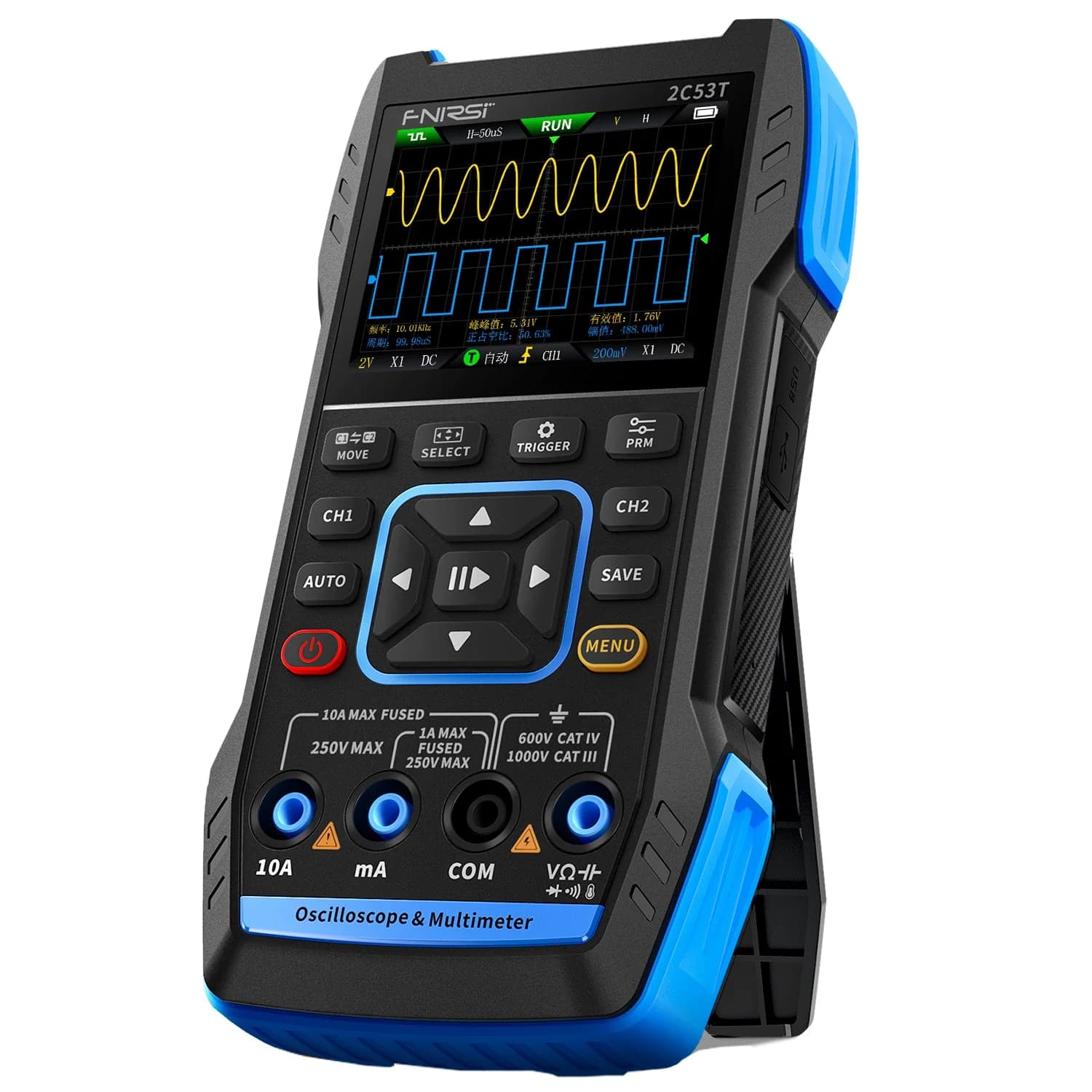
Low-cost two-channel handheld with a True RMS multimeter built in.

Hands-on tested. Four-channel 50MHz bench scope, a long-standing first choice.
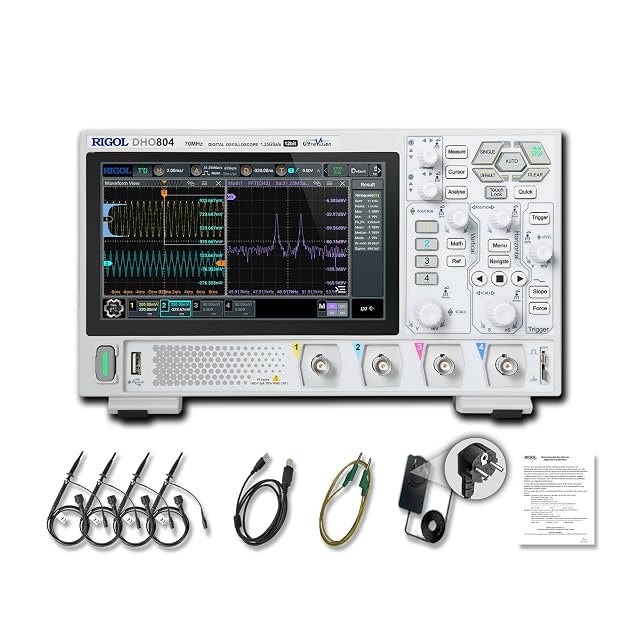
Hands-on tested. Four channels, 12-bit resolution and a 7-inch touchscreen.
As an Amazon Associate I earn from qualifying purchases. Prices and availability are shown on Amazon.
Frequently asked questions
Should I buy a multimeter or an oscilloscope first for repairs?
A multimeter. It handles the majority of repair checks, it is needed alongside a scope anyway, and it costs far less. Add a scope once you keep reaching faults where every static reading looks normal but the device still misbehaves.
Is a cheap handheld oscilloscope good enough for repair work?
For many repairs, yes. A low-cost handheld or 2-in-1 meter-scope shows ripple, confirms a clock or PWM signal is present and catches obvious glitches. Its limits are bandwidth, channel count and triggering, which start to matter on faster digital circuits and when you need to compare several signals at once.
How much bandwidth do I need for electronics repair?
Most power-supply, audio, motor and automotive repair work sits well within the 50 to 100MHz bandwidth of entry-level bench scopes. A common rule of thumb is a scope bandwidth three to five times the highest frequency you need to see clearly. Faster digital buses need more.
Can an oscilloscope replace a multimeter on the repair bench?
No. A scope is poor at accurate DC voltage, it doesn't measure resistance, continuity or current directly, and you would miss the quick go/no-go checks a meter does in seconds. Repair benches use both, each for the question it answers best.
Is a USB or PC oscilloscope good enough for repair work?
It can be, for low-voltage boards on the bench. A USB scope uses your computer as the screen, so it is cheap for the bandwidth you get, but it ties you to a laptop and shares the computer's ground through the USB cable. That makes probing anything mains-connected riskier than with a battery handheld, so pair it with an isolation transformer or stick to low-voltage work.


